Introduction
I wanted to learn how to make a user experience for first-time users. How to design one and what is needed for first-time users. I also wanted to add more immersion by using sound/music and using particles.
Sounds in the scene
Learning goal:
In Sprint 3 I wanted to add sounds to the scene. I wanted to add these for a more immersive experience. I have never worked with sound in a game before, so this was an interesting thing to do. I used the build in sound component from unity self.
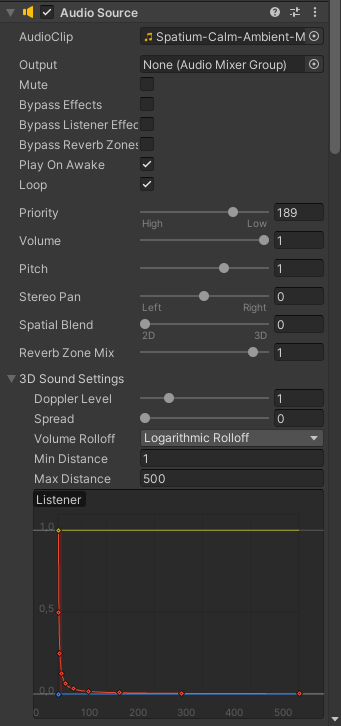
This in combination with the sound spatializer from Oculus. I choose this because we are building our experience for the Oculus.
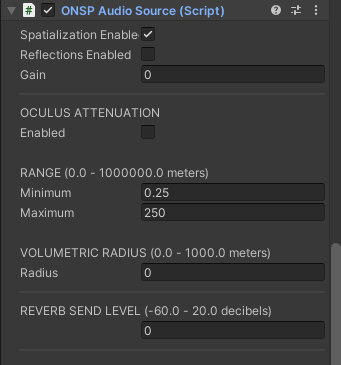
With all this I wanted to add sounds that would mix well with the environment. First I searched for background music that they use for catwalks, but that made it sound like a dress-up flash game. Then I talked with Ebru because she’s from a design education for her opinion. Then we came with the idea to use sounds from nature. bird sounds and water streams. We also wanted a chill background music, this was the hardest thing to find. I asked the group for some inspiration and got a few links to music. These songs were the base of where to start from.
Sakura tree particles
Learning goal:
- I want to learn how to use particles to make a more fun experience.
I made particles for the sakura tree in the scene to add more immersion and liveliness to the scene. These particles also have sounds of wind blowing and if they touch the water they float for a bit before they disappear again.

User Onboarding
Our target group is made up of mostly first-time VR users. This is why we need onboarding for first-time users. This is also why we wanted a mascot character that helps the user through their experience. I made a dialogue system that’s connected to a button. This button makes the UI change. The buttons are big and the only thing they can interact with to make things simple. In the dialogue system there’s also an explanation for other interactions with the controller.
I’ve read a few sites about XR/UI that helped me with figuring out what the best practices are.
https://uxplanet.org/designing-user-experience-for-virtual-reality-vr-applications-fc8e4faadd96
https://uxdesign.cc/incorporating-ux-in-virtual-reality-64bcb93af944
https://medium.com/detaux/what-can-i-do-to-learn-ux-design-for-virtual-reality-7e4c5d822569
https://medium.com/@oneStaci/https-medium-com-ux-vr-18-guidelines-51ef667c2c49
UI should be 20px or 2.32 cm height per meter away. Elements that are placed too close (including text, weapons, and tools) can cause eye strain due to vergence-accommodation conflict.


For now it’s in the scene and after some testing it ruins the immersion of the environment. This is why I thought about having an onboarding scene. A scene that has a few elements of the environment. This is where the user first goes and gets an explanation of the buttons and what you can do. After that the “shoe-bee” takes them to the real experience and leads them through it. I will implement and test this in the fifth sprint to make an experience that works without much help from outside.
Expanded onboarding scene
Learning goal:
I want to learn how to make an experience enjoyable and safe for first-time users.
In the last sprint I focused on making an onboarding scene. This scene would be to introduce the user to all the mechanics that are in the experience. With a voice-over and the option of having subtitles so the user can play through the experience without any help from someone.
I did some research on user experience design for first-time users and made a list of what to put in the onboarding scene and also advised my group on some things I found. For example we had a tree with a long pointy branch that would function as a clothing hanger, but it was too pointy and too in the face. So I adviced them to use an alternative. The onboarding scene is almost the same as the real experience except it has less objects in it. There is only the main tree and the ground. When the user enters they hear a voice-over and after a while they see a controller where the voice-over explains how to grab an object. After that a hammer with a button appears and they can test what they’ve learned by grabbing the hammer. Then a shirt and avatar appears where they learn how they can throw the clothes onto the avatar. The next thing is a carousel which can be turned using the A-button. After learning everything they get transported to the real experience.
Fadescreen
Because we have transitions from one scene to another and that can ruin the immersion of a user I wanted to make a fadescreen. So when you go from one scene to another it fades to black and then fades in again in the new scene.
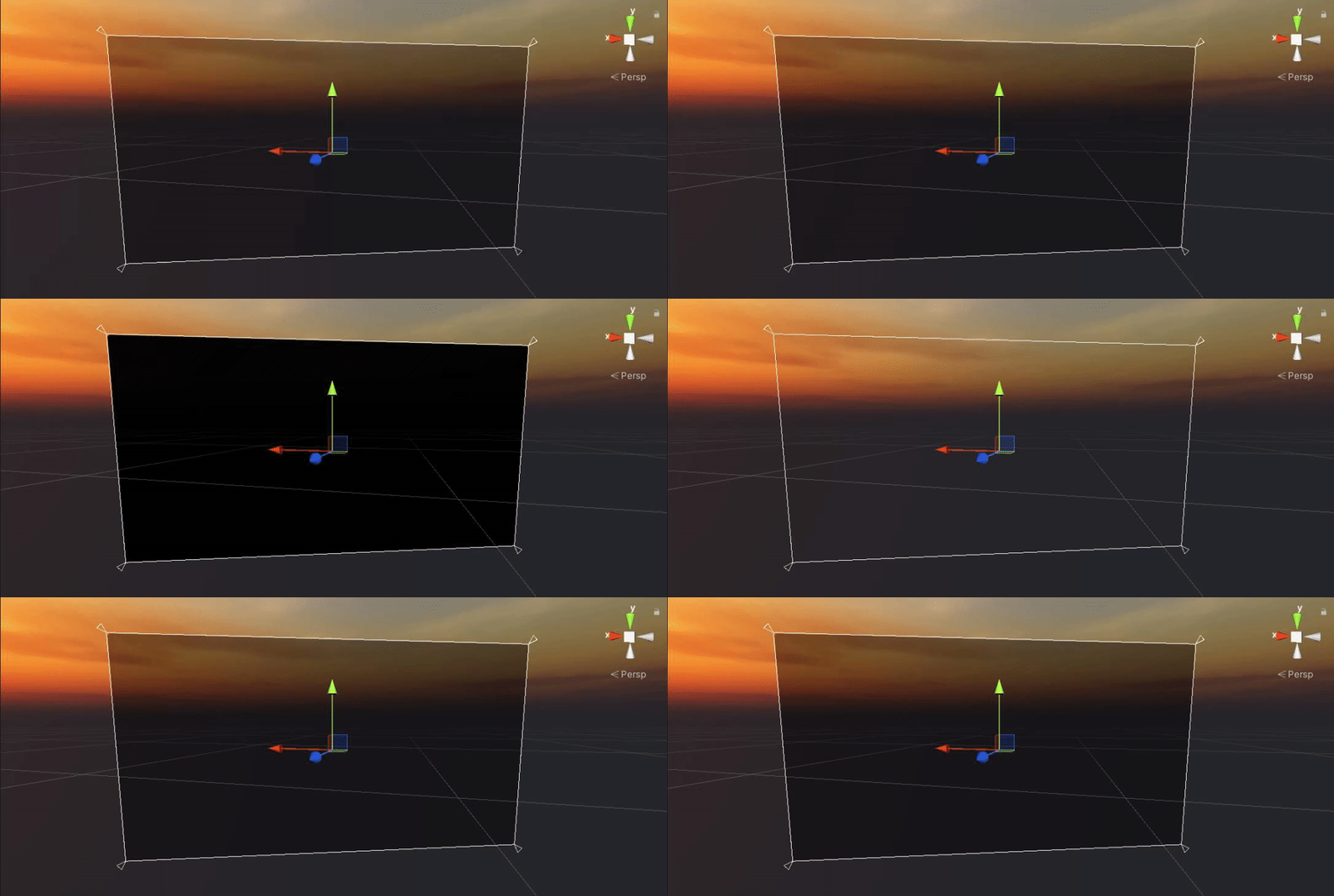
This gif is an example of how the fadescreen fades from black to see-through. There is also a reversed one where it fades to black. This is at the beginning of the experience and each time you change to a new scene.
Start screen
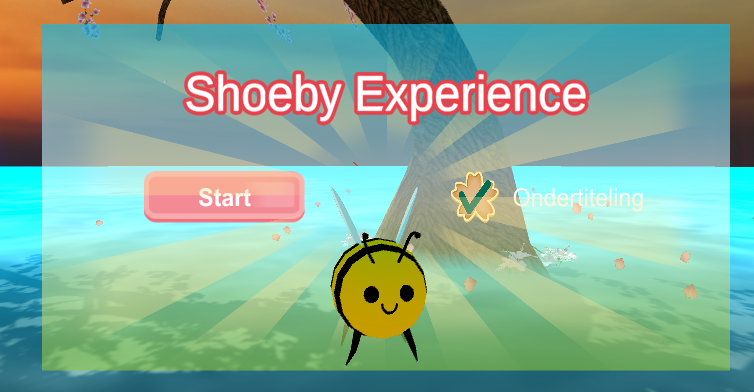
To start the experience we have a start screen. The start screen is only there to start the experience and to choose if you want to have the subtitles or not. This is also where you go to after you are done with the experience so the experience can reset for each user. This also means there doesn’t need to be someone with the user to reset the experience.
Pass-through
In my spare time I researched making an application using the pass-through mode from the quest. This means that you can see the real world through the camera’s of the quest and make a kind of mixed reality. It would be fun to use this for an onboarding or off-boarding proces to help the user enter or exit VR in a way they can adapt slowly to where they are or are going. This was more a research for me and it didn’t make it into the final product. But it would be a good way to ease in the user.
Learning goals at the end
I focused on sound and particles. But the main thing I did with user experience was the onboarding scene and research for designing a UX for first-time users. I think that I’ve come really far with these things because I didn’t have prior knowledge of these things. User experience is a really fascinating subject to research because of the different things you need for different kinds of users. The UX of a game is also different for a VR experience/game. For sound and particles I think I could’ve done some more than just throwing it in the scene and learning how it works. For designing a first-time experience I really went for it.